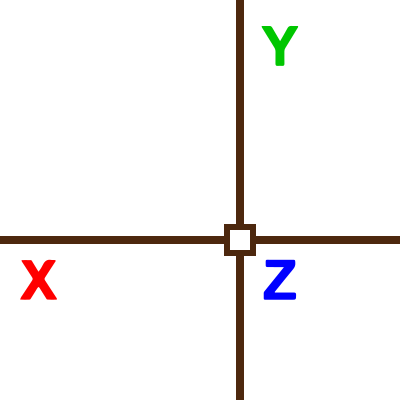
Here is a small routine that filters a point by modifying one of its
coordinates (X, Y, or Z) based on user input. The function retrieves the last
point used in AutoCAD and then prompts the user to select a new point.
Depending on the 'xyz' argument, it creates a new point by combining
coordinates from the two points:
- "X": Uses the X from the new point, Y and Z from the last point.
- "Y": Uses the Y from the new point, X and Z from the last point.
- "Z": Uses the Z from the new point, X and Y from the last point.
The resulting point is passed to a command. It can (and should) be used
transparently.
(defun f:filter-pts ( xyz / P1 P1x P1y P1z P2 P2x P2y P2x )
  (setq P1  (getvar "lastpoint")
        P1x (car P1)
        P1y (cadr P1)
        P1z (caddr P1)
        P2  (getpoint (getvar "lastpoint"))
        P2x (car P2)
        P2y (cadr P2)
        P2z (caddr P2)
  )

  (cond
    ((= xyz "X")
      (vl-cmdf "non" (list P2x P1y P1z))

    )
    ((= xyz "Y")
      (vl-cmdf "non" (list P1x P2y P1z))

    )
    ((= xyz "Z")
      (vl-cmdf "non" (list P1x P1y P2z))
    )
  )
)
(defun c:FILTER_X nil (f:filter-pts "X"))
(defun c:FILTER_Y nil (f:filter-pts "Y"))
(defun c:FILTER_Z nil (f:filter-pts "Z"))
No comments:
Post a Comment
Welcome to the circle! If you have a question about a specific command, variable, or LISP routine, please include the version of AutoCAD or the slicer software you are using. I check all comments to keep the spam bots out of the tower, so your message will appear once approved.